Mock Location
Mock Location or Fake GPS: how to choose a spoofing app
“Install Fake GPS” sounds like the name of a specific app, but stores list a dozen different programs from different developers under that name. Choosing between them by the promises in their descriptions is pointless: they spoof coordinates the same way — through the same Android mechanism. The difference is elsewhere, and it shows up not on the first day but in the second week.
What all such apps have in common
There is exactly one spoofing mechanism in Android: the app registers as a test location source and writes coordinates there, and the system hands them to everyone who asks where the user is. Hence three consequences common to any app in the category.
First: all of them need developer mode and selecting the app in “Select mock location app”. A program that promises to work without this either requires root or simply does not work.
Second: spoofing accuracy is the same for all. Coordinates are supplied as they are, they cannot be “improved” — this is not where apps can differ.
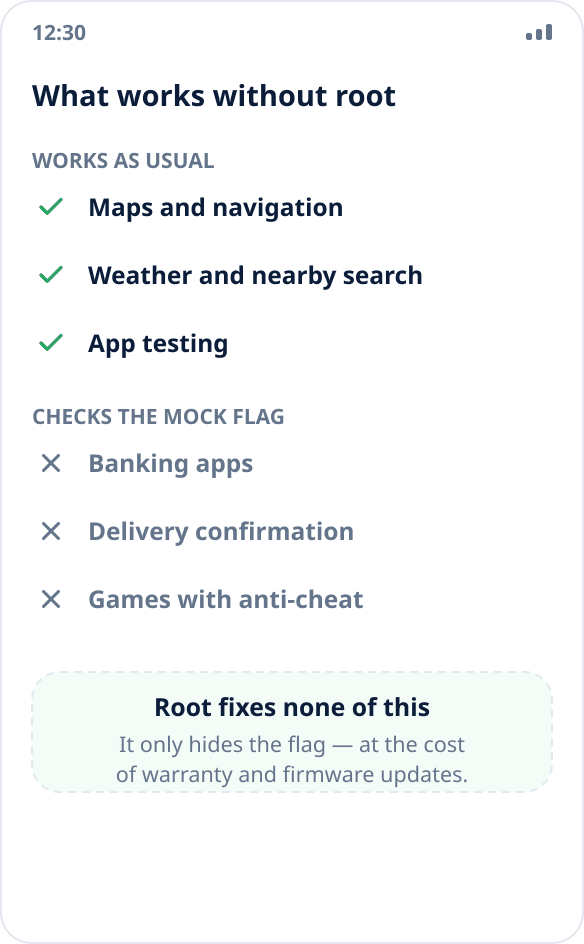
Third: everyone sees the mock source flag. Android marks substituted coordinates with a flag, and an app that reads it (banks, delivery, corporate tracking) will refuse to work with any spoofing app. A promise of “we are invisible” without modifying the firmware is untrue, whoever makes it; more — why an app sees real coordinates.
Six signs by which they really differ
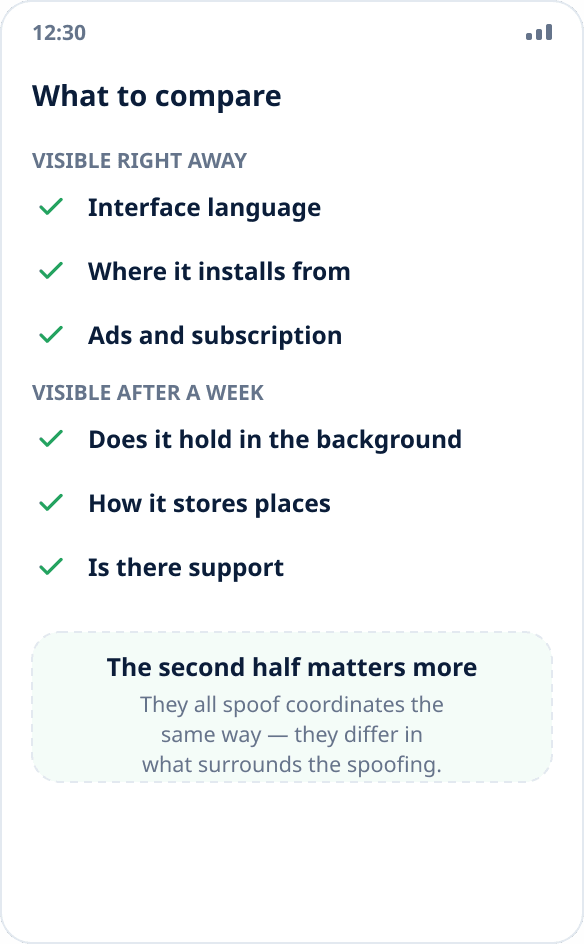
Three are visible right away, on the store page. Interface language — some apps in the category are machine-translated or not translated at all. Install source — whether the app is in a store available to you or has to be installed as an APK from a third-party aggregator. Ads and payment model — whether ads are shown over the map and what exactly is locked behind a subscription.
The other three show up after a week of use, and they are what decides. Whether spoofing holds in the background — the most common disappointment: it works while the screen is on and silently stops ten minutes after locking. How the app stores places — whether there are favorites and history, and whether they survive a reinstall. Whether there is support — who to write to when something is wrong on a particular firmware.
What Mock Location has
An interface in 31 languages, including English, and support through your account and by email.
Two honest install sources: a listing on RuStore and the APK on this website with a published SHA256 checksum you can verify before installing (how it is done).
No ads on any plan, including the free one.
Background operation is where the most effort went: the service keeps spoofing on and restores it after a reboot, and for skins that aggressively kill background work there are separate guides — Xiaomi, Samsung, Huawei, realme, OPPO and vivo.
Places are stored in favorites and history and, with an account, synced with the website: reinstalling the app or changing phones does not lose them.
Address and place search, including offline voice search, and a walkthrough of the whole interface right in the browser — you can see what the app looks like without installing it.
What Mock Location does not do
It does not hide the mock source flag. This is a matter of principle, not an unfinished feature: hiding it requires modifying the system on a device with an unlocked bootloader.
It does not play back a route of points or emulate movement with a joystick. One chosen point is spoofed; if the task is to reproduce a trip, the app does not solve it.
Place storage is limited on the free plan. Spoofing itself is free and not limited in time, but favorites are not available on the free plan, history keeps the last three points, and one device can be linked to the account. Current limits and prices are on the plans page.
How to choose for your task
If you need to show another city in maps or weather once, almost any app in the category will do, including free ones with ads: the difference will show later, and the task is one-off.
If you need the point to hold for hours and survive screen lock and reboots, look at background operation and at whether the developer has described the settings for your firmware. This is the only thing that really breaks in long-term use.
If you need a repeatable set of points for testing, look at place storage and sync; entering coordinates by hand on every run eats more time than it seems (a walkthrough for QA).
If you need to get past a particular service's check, no app in this category will do, and choosing between them is pointless.
How to switch from another app
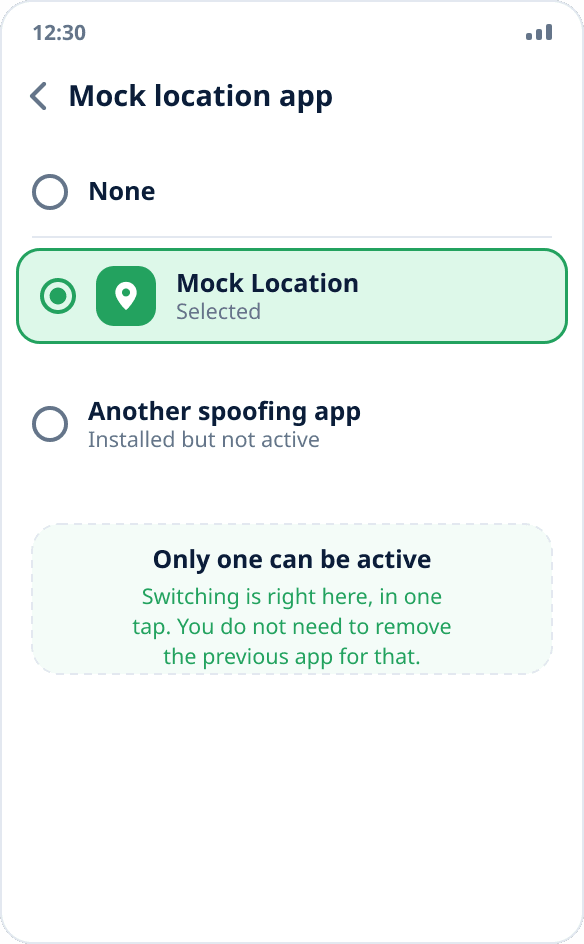
You do not need to uninstall the previous app. The system allows only one active mock location source, and switching is done in the same settings item where the app was originally selected: Settings → “Developer options” → “Select mock location app” → choose another one.
One note: stop spoofing in the previous app before switching. Otherwise it will keep its button on even though the system no longer listens to it — and you will be looking at “working” spoofing that is not there. How to make sure the coordinates are actually spoofed — in the check guide.
Saved places from another app are not transferred: each has its own storage format, and Android has no common exchange mechanism.