 Mock Location
Mock location on Huawei without Google services
Owners of Huawei and Honor phones without Google services regularly come across the claim that location spoofing is not available to them. That is wrong: mock locations are part of Android itself, not a Google layer on top of it, and on a phone without Google Play the mechanism works exactly the same. The only differences are where to get the app and where EMUI keeps the settings you need.
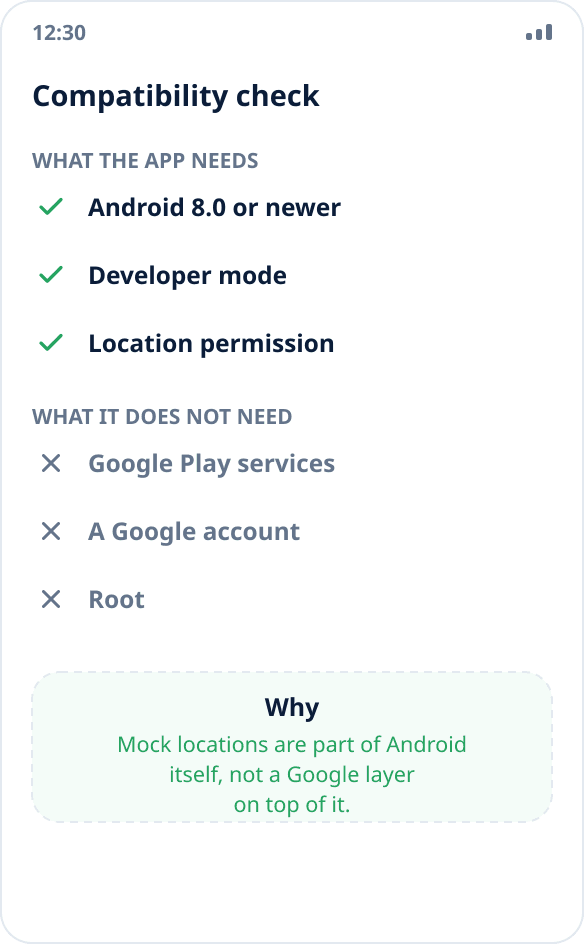
Make sure you do not need Google services
The app requires Android 8.0 or newer, developer mode and the location permission — any Huawei has all of these. Neither a Google account, nor Google Play Services, nor root is needed: spoofing goes through the system's own built-in test location provider mechanism.
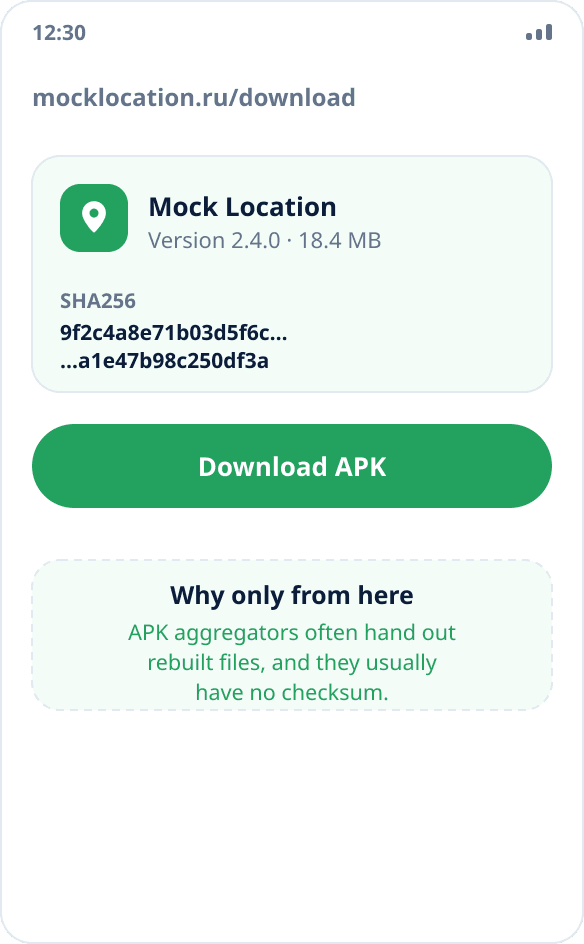
Install the app from an APK file
There is no Google Play on these phones, so the APK is downloaded from the website. Before installing, compare the checksum — the file's SHA256 is published on the download page, and the verification procedure is described in the APK installation guide.
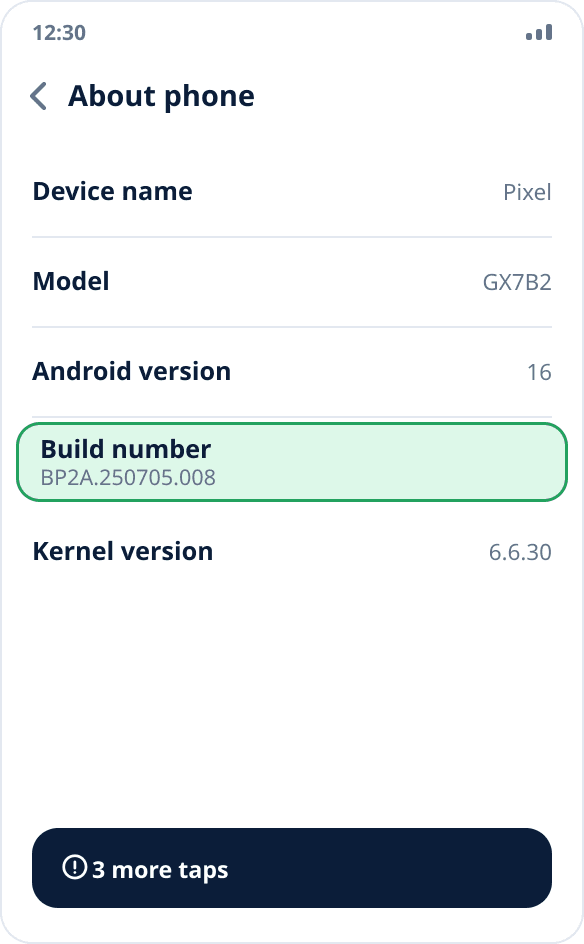
Turn on developer mode
Settings → “About phone” → tap “Build number” seven times in a row. After that “Developer options” appears in “Settings → System & updates” (in older EMUI versions — just “System”).
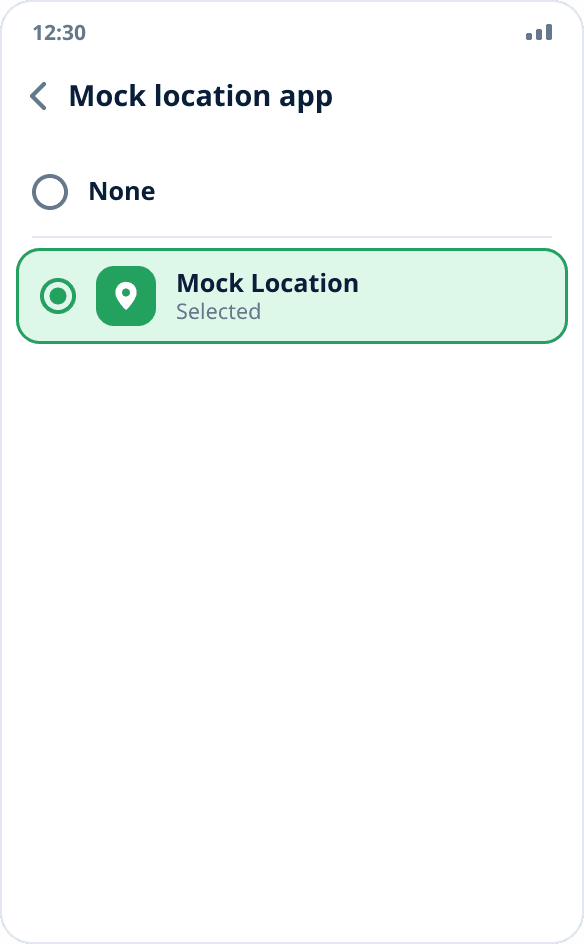
Select the mock location app
In developer options find the “Select mock location app” item and choose Mock Location. Only one app can supply coordinates at a time — this is an Android limitation, not an EMUI one.
Set up app launch
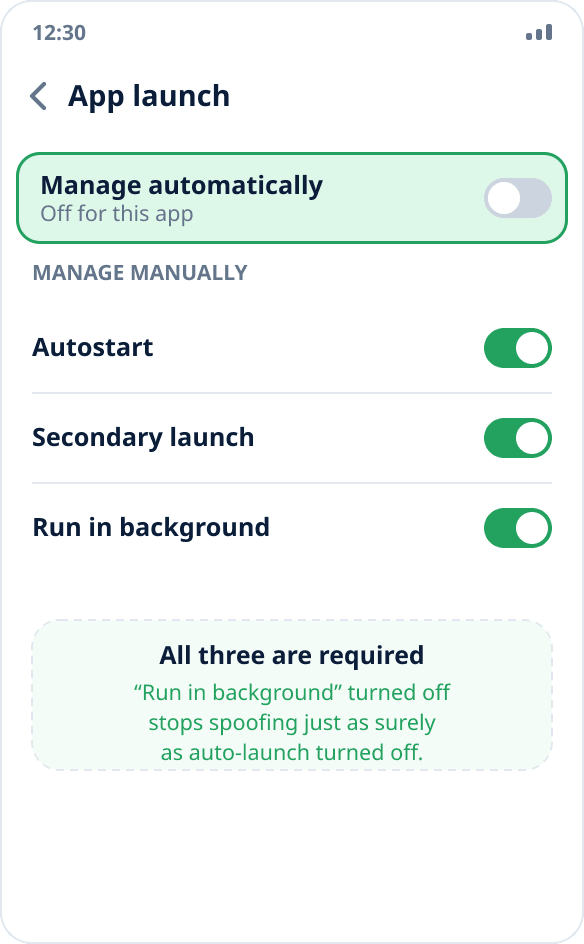
Settings → “Battery” → “App launch” → find Mock Location and turn off “Manage automatically” for it. A window with three switches opens — “Auto-launch”, “Secondary launch” and “Run in background” — turn all three on. This is the key step: with automatic management EMUI closes the background service at its own discretion.
Check the result
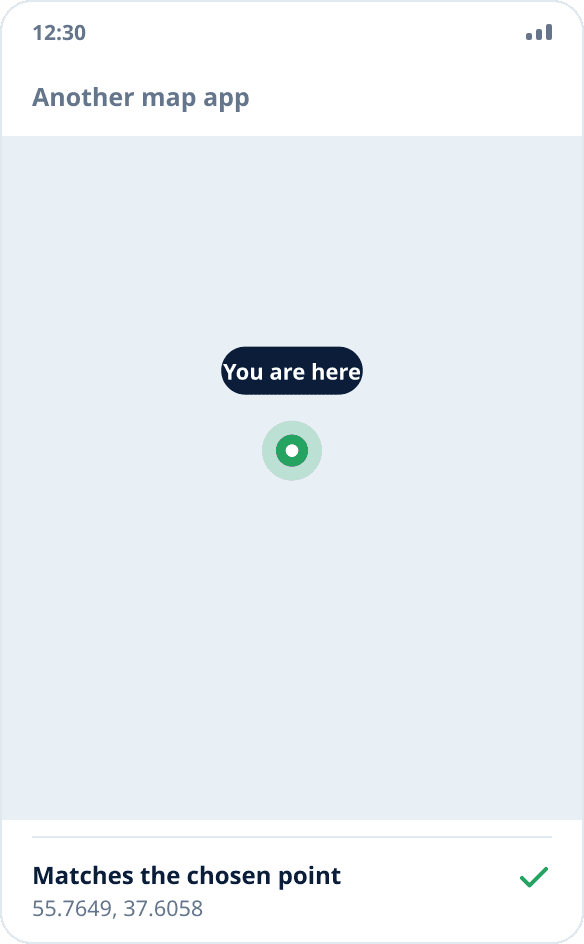
Start spoofing by tapping the map and open another map app. If it shows the chosen point, the mechanism works at the system level, and the absence of Google services made no difference.
Why spoofing does not depend on Google
Mock locations are implemented in Android itself: the system lets one chosen app register test providers and write coordinates into them, and then hands these coordinates to everyone who requests the location in the usual way. Google Play Services have nothing to do with this mechanism — they provide their own location API on top of the system one but do not replace it.
The practical consequence: spoofing works on a phone without Google services. Apps that got coordinates only through Google's API, however, do not work on such a phone even without any spoofing — for a reason unrelated to it.
All three switches are required
“Auto-launch” lets the system bring the app back after it has closed it. “Secondary launch” allows launching on an event from another app or the system — this is what restores spoofing after a reboot. “Run in background” lets the service keep working while the app is minimized.
Turning the third switch off stops spoofing just as reliably as turning the first one off, so turn on all three, not only the obvious auto-launch.
HarmonyOS and Honor
On HarmonyOS the items are in almost the same places as in EMUI: developer mode is enabled with the same seven taps, the section is in “System & updates”, launch management is in “Battery”. Names may differ by a word, the idea is the same.
Since the companies split, Honor has its own firmware, but it also kept app launch management with the same set of three switches — look for it in the battery section.
If spoofing still stops
Check that the app has not gone back to automatic launch management: major firmware updates sometimes reset this setting. The sign of a living service is the persistent notification in the shade; if the notification disappeared, the system has closed the service.
The other causes do not depend on the manufacturer and are covered separately — why spoofing turns off in the background.