 Mock Location
Fake GPS location on Android without root
There is still a belief that location spoofing is impossible without root. It is outdated: the mock location mechanism is built into Android and available to any app the user has chosen in developer options. Let's look at what this path gives, what it does not, and why the other option — modifying the firmware — costs more than it seems.
Make sure you really do not need root
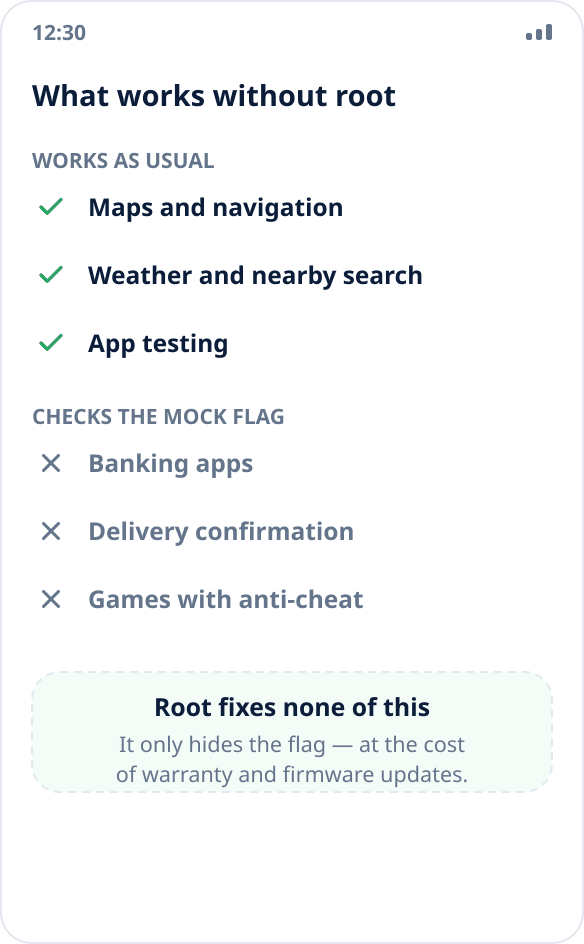
The built-in mechanism is enough if the task is to supply coordinates to apps that get the location the usual way through the system: maps, weather, nearby search, your own apps in development and testing. That is the vast majority of scenarios.
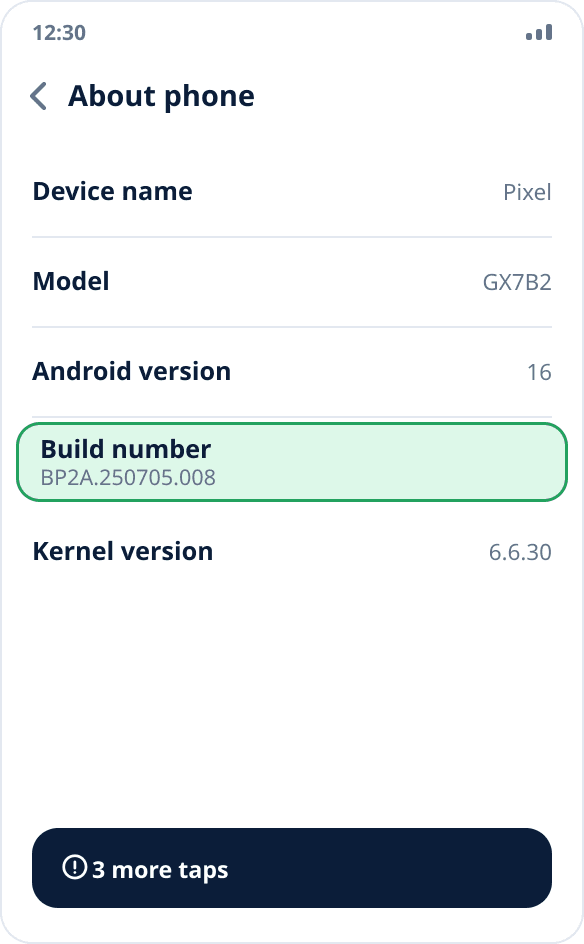
Turn on developer mode
Settings → “About phone” → seven taps on “Build number”. The “Developer options” section appears in settings; depending on the skin it is at the top level, in “System” or in “Additional settings”.
Select the mock location app
In developer options find the “Select mock location app” item and choose the installed app. Only one can be active at a time — the system does not let several apps supply coordinates at once.

Start spoofing and check it
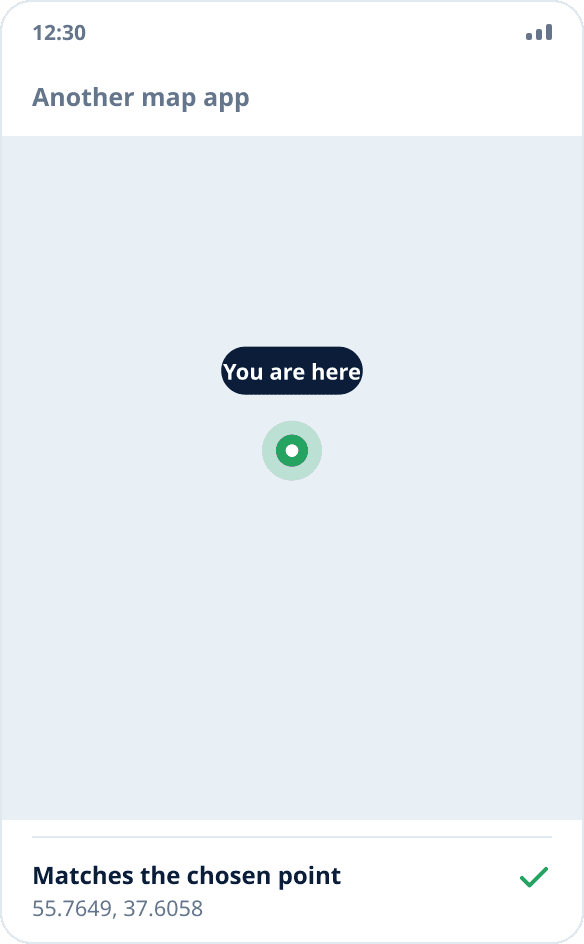
Pick a point on the map, turn on spoofing and open another map app. If it shows the chosen point, the mechanism works at the system level, and no extra privileges were needed.
How it actually works
Android lets the chosen app register so-called test location providers and write coordinates into them. The system then hands these coordinates to everyone who requests the location in the usual way. Automated tests of mobile apps use the same mechanism — it was created for development in the first place, not to get around anything.
That is why spoofing does not require superuser rights: the app does not interfere with other processes or rewrite system libraries, but uses an officially provided capability that the user turned on deliberately.
What root gives and why it is not free
The only thing that modifying the firmware fundamentally adds is the ability to hide the fact of spoofing: remove the “mock source” flag and fool apps that check it. This requires an unlocked bootloader, Magisk or similar modules.
The price: you lose the warranty, some banking apps and services stop launching because of system integrity checks, firmware updates no longer install normally, and a failed flash can leave the phone unusable. We do not support or describe this path — Mock Location works strictly within the built-in mechanism.
Where the limit is
Without root, spoofing is honestly visible to apps that want to see it. Services for which location is proof of a fact — delivery confirmation, time tracking, location-based rewards — usually perform this check and will not work with spoofed coordinates. Games with anti-cheat systems too.
This is not a flaw of a particular app but a deliberate architectural choice: the app does what the system allows and does not pretend to do more.
How spoofing differs from a VPN
They are often confused. A VPN changes where your network traffic comes from — by IP address a service will think you are in another country. Location spoofing changes the coordinates the operating system gives to apps.
These are different channels, and they do not replace each other: an app that determines location by IP will not notice spoofed coordinates, and an app that asks the system for coordinates will not notice a VPN. Sometimes you need both.