 Mock Location
Location testing: spoofing coordinates for QA and developers
Location-based logic is one of the most awkward things to test: the bug reproduces at a specific point in a city while the team sits in another one. Location spoofing turns such a check into a repeatable scenario you can run from your desk as many times as needed. Let's see how it works on a real device and where its limits are.
Prepare the device
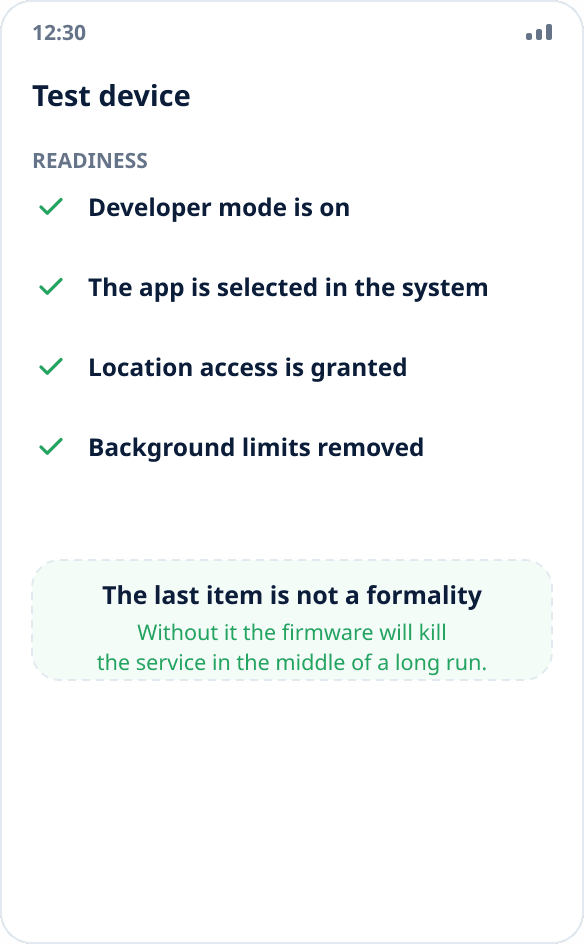
Turn on developer mode, select the mock location app and give it location access. On test devices it makes sense to remove background restrictions right away — otherwise the firmware will kill the service in the middle of a long run.
Create a set of reference points
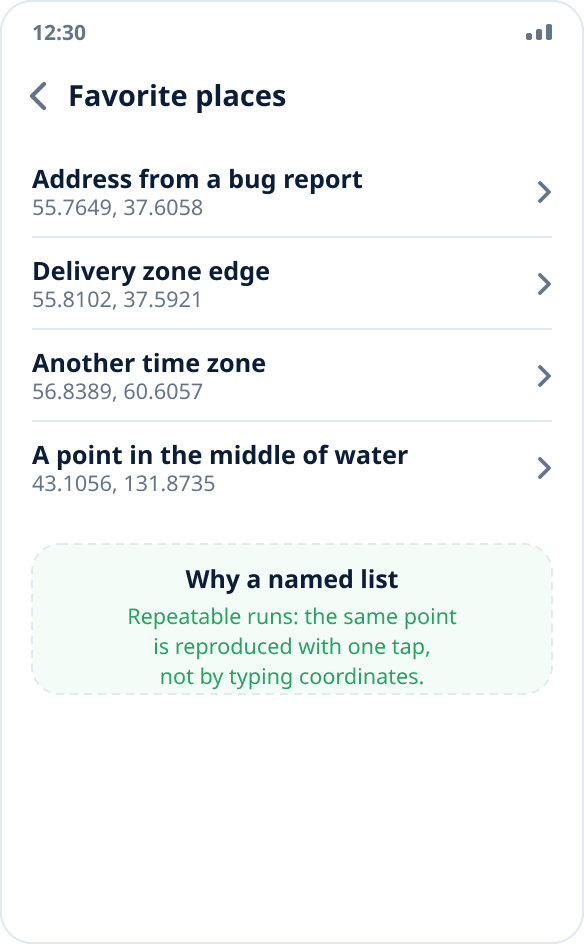
Save the coordinates you need regularly in favorites: the address from a bug report, a point on the edge of a delivery zone, an address in another time zone, a point in the middle of the water. A named list of reproducible points is the basis of repeatable runs.
Sync the set with your team
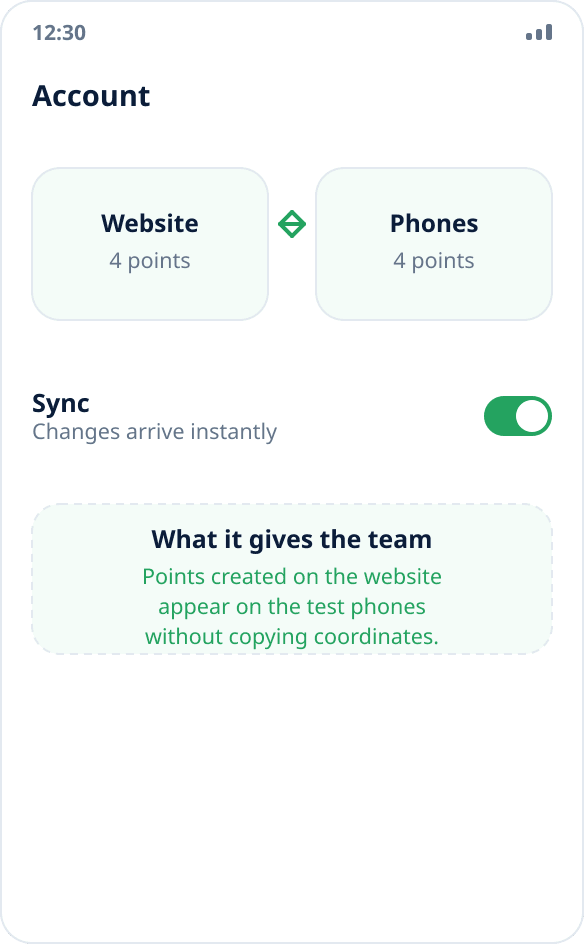
The list of places syncs between the website and devices through the account: points created on the website appear on test phones right away, without copying coordinates by hand. This saves a lot of time when there are several devices.
Run the scenario and record the result
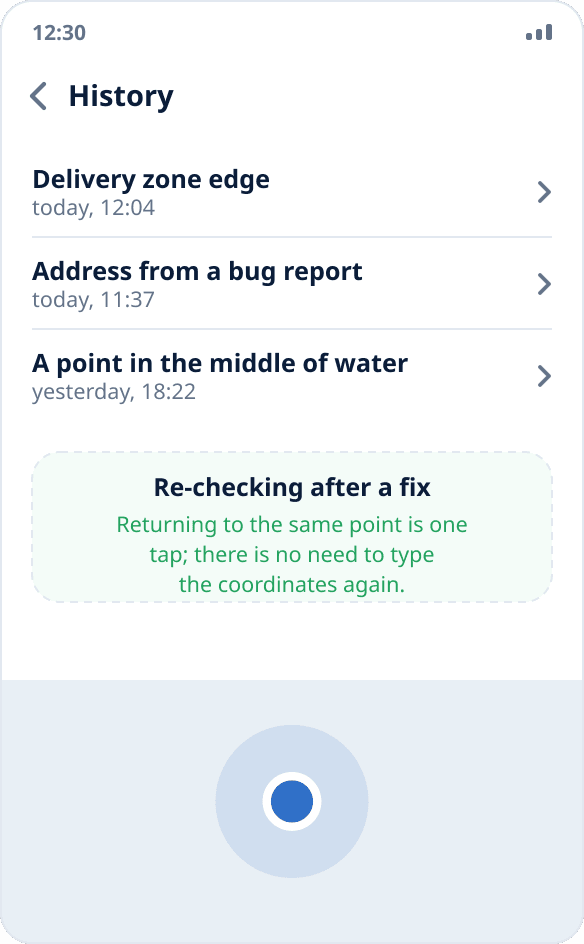
Turn on spoofing at the right point and run the scenario in the app under test. The point stays in history, so you can return to it with one tap when re-checking after a fix.
What you must check
Zone edges: a point exactly on the edge of a delivery zone or search radius is a classic source of off-by-one errors. Coordinates changing while the app is running: many apps request the location once at launch and do not react to changes. No coordinates: behavior with location turned off and with the permission denied.
Separately — deliberately invalid data: a point in the middle of the ocean, coordinates in the other hemisphere, places without an address. The app must not crash in any of these cases.
A real device versus an emulator
The Android Studio emulator can set coordinates and play back routes, and that is enough for early development. But it does not reproduce what breaks most often: how a specific firmware behaves when killing background services, operation with a weak signal, real delays in getting a fix and differences in vendor power-saving policies.
So a scenario that passed on the emulator is worth re-checking on a real device — especially if the app under test uses location in the background.
The mock source flag in testing
Android marks coordinates from a test provider with a flag. For QA this is not an obstacle but a separate thing to test: if the app under test must reject mock coordinates, spoofing is exactly the way to make sure the check actually works rather than just being written.
If the app must accept any coordinates from the system, make sure it does not discard them by this flag accidentally.
Testing apps with background location
For apps that track movement in the background, long runs matter: turn on spoofing, minimize the app and leave the device for several hours. This reveals problems you cannot see in five minutes of manual testing — a lost update subscription, accumulating errors, the firmware stopping the service.
The persistent notification in the shade serves as an indicator: while it is there, spoofing is active.