 Mock Location
Mock location on Xiaomi: MIUI and HyperOS
The complaint “I turn on spoofing and a couple of minutes later everything goes back” almost always comes from Xiaomi, Redmi and POCO phones. The cause is not the app: MIUI and HyperOS manage background processes more strictly than stock Android and kill the service that keeps spoofing on. Below is what exactly happens and which three settings fix it.
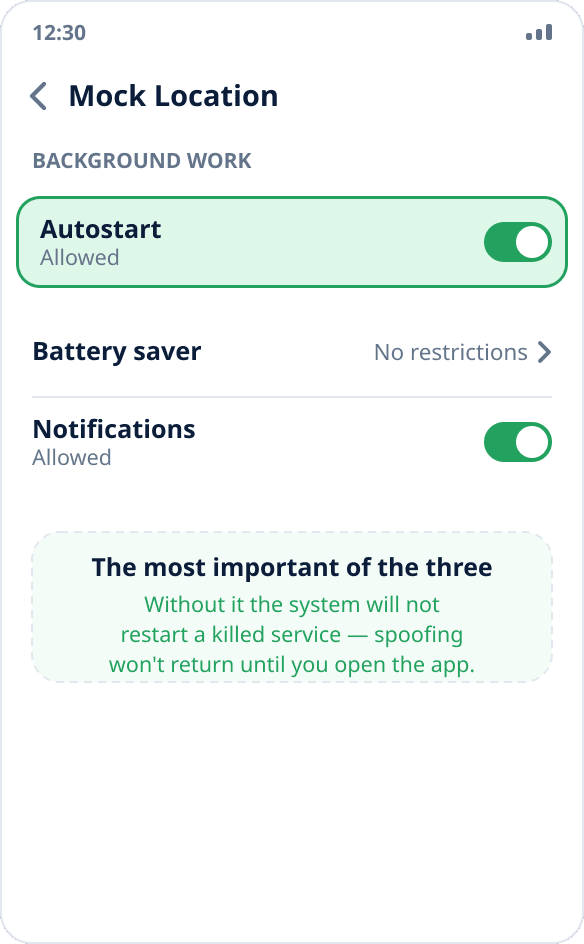
Turn on autostart for the app
Settings → Apps → Manage apps → Mock Location → “Autostart” (on some versions — “Run in background”). This is the most important of the three settings: without it, after killing the process the system will not bring it back, and spoofing will not be restored until you open the app manually.
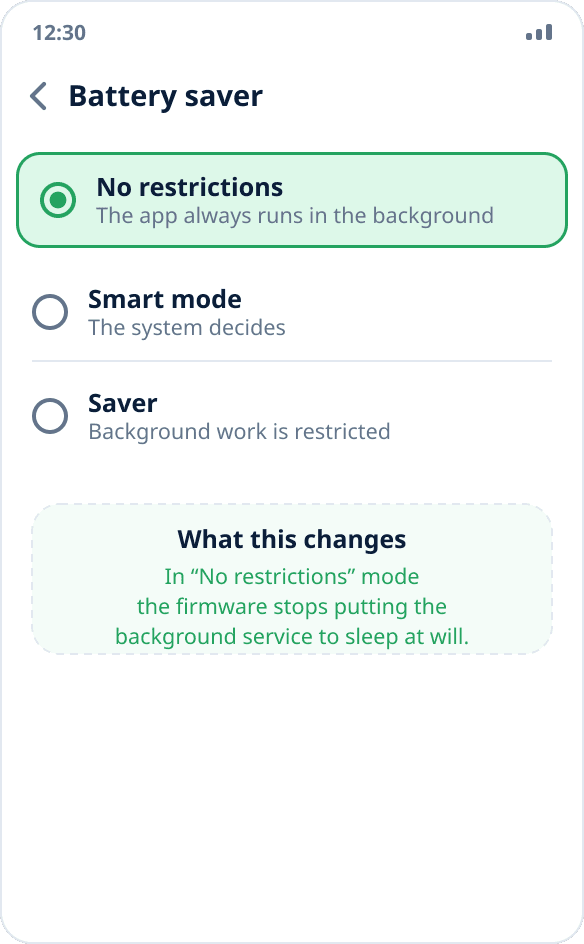
Remove battery restrictions
On the same app screen find “Battery saver” or “Activity control” and choose “No restrictions”. In this mode the firmware stops putting the background service to sleep at its own discretion.
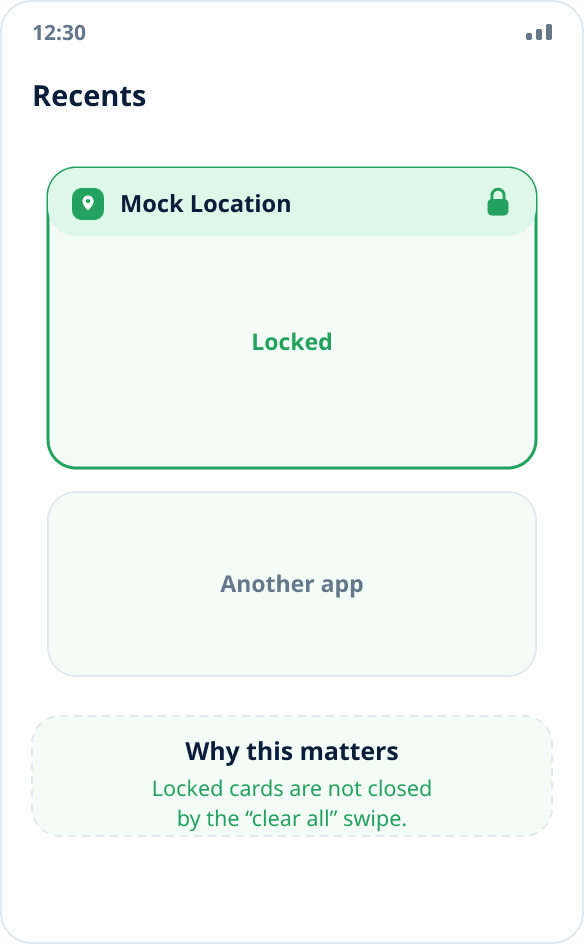
Lock the app in recents
Open the recent apps list and pull the Mock Location card down — a lock icon appears. Locked apps are not closed when you clear the list with the “X” or swipe “clear all”.
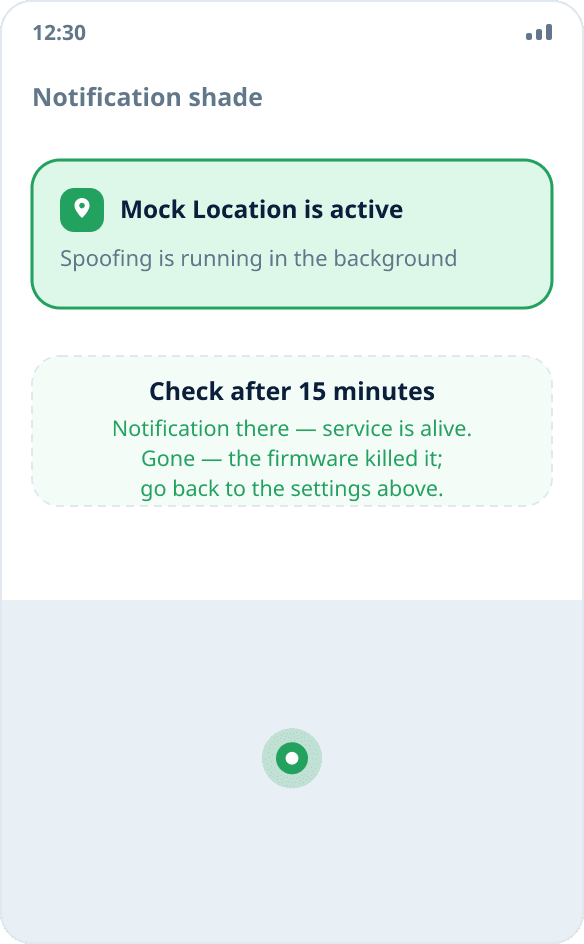
Check that spoofing holds
Turn on spoofing, minimize the app and leave the phone alone for ten to fifteen minutes. Then check: the notification should still be in the shade, and another map app should still show the chosen point.
What happens under the hood
The firmware kills the app's process — in system logs this shows as a force stop decided by the system. After that the test providers stay registered in Android with the last written value, but nobody writes new coordinates into them: the process that created them no longer exists.
From the outside it looks like “spoofing froze”: the coordinate stays the same but stops updating, and after a while the system returns the real location.
What the app does by itself
Two recovery mechanisms work regardless of firmware settings. First: when opened, the app compares the saved state with the actual one and, if the process died, brings spoofing back — this path always works. Second: a watchdog timer periodically checks the state in the background and tries to bring the service back itself.
But both have a limit: if the firmware forbids the app to start in the background, the service cannot be brought back without you — the code simply does not run at that moment.
Why autostart matters more than the other settings
The difference is measurable. With autostart off, the system does not restart the service at all after killing the process — recovery happens only when you open the app yourself. With autostart on, the system brings the killed service back in about three seconds, the app picks up the saved state and continues spoofing without your involvement.
So if you only do one of the three settings, do autostart.
Recovery after a reboot
An active mock location is restored automatically when the phone boots, using the earliest system event — even before you unlock the screen. On a phone with a PIN this is the only way to bring spoofing back without waiting for you to pick up the phone.
A measurement on a real HyperOS device showed why this matters: the early boot event queue reaches the app in just over a second, while the regular one takes seventeen seconds, because the system updater, cloud services and banking apps are ahead in the queue.
The same settings on other skins
Similar behavior occurs on Huawei (Settings → Battery → App launch → turn off automatic management for the app), Samsung (Settings → Device care → Battery → Background usage limits), OPPO, realme and vivo. The names differ, the idea is the same: allow the app to run in the background and exclude it from aggressive battery saving. If spoofing still drops — common causes explained.