 Mock Location
Mock location on Tecno and Infinix
Tecno and Infinix smartphones are common, yet guides for their skins are rarely written: reviewers stop at Xiaomi and Samsung. Meanwhile HiOS and XOS are practically one skin with different icons, and they have a quirk that makes spoofing “work for five minutes”: autostart is controlled not by a settings section but by a separate preinstalled app.
Turn on developer mode
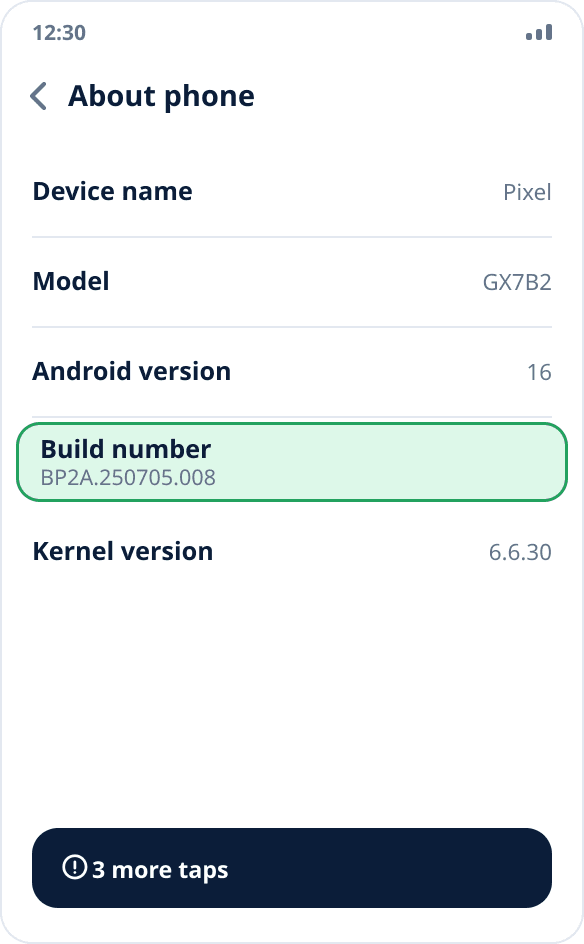
Settings → “About phone” → tap “Build number” seven times. On some firmware the item is hidden in the “Version” subsection. After the seventh tap a message says you are now a developer.
Select the mock location app
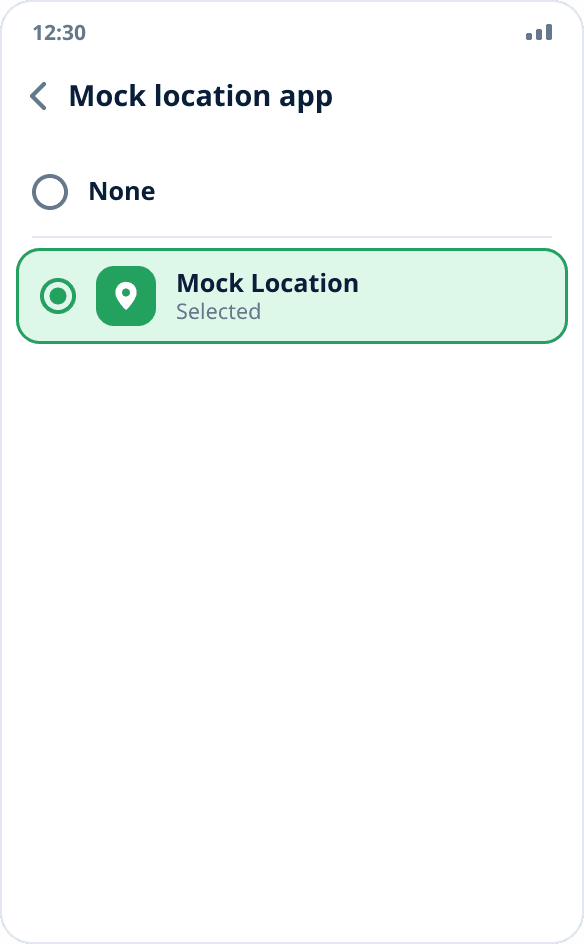
Settings → “System” → “Developer options” → “Select mock location app” → Mock Location. Install the app beforehand: the system builds the list, and it stays empty exactly until a suitable app is installed.
Allow autostart in Phone Master
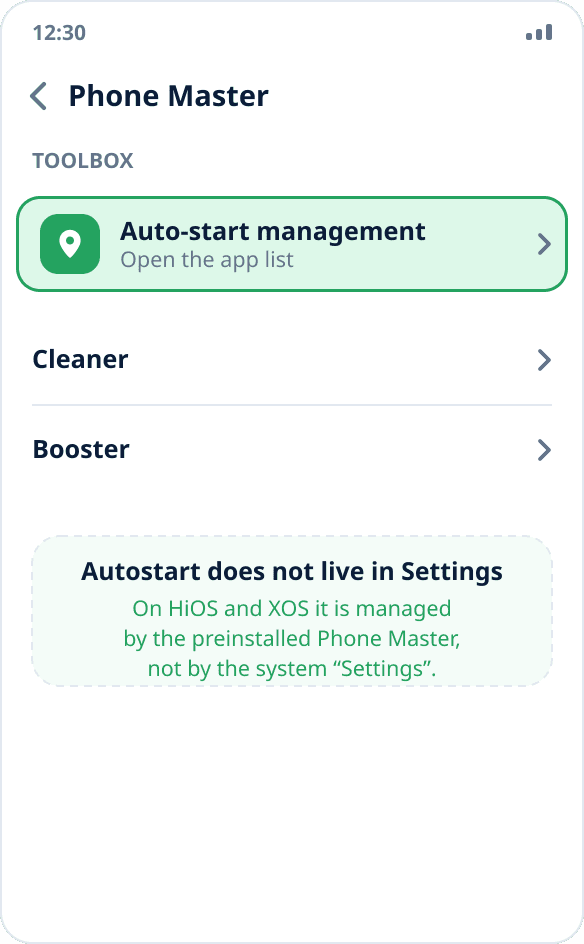
This is the very step that makes guides for other firmware fail here. On HiOS and XOS autostart is controlled by the preinstalled Phone Master app, not by “Settings”: open it, go to the “Toolbox” tab → “Auto-start management”, find Mock Location and turn the switch on.
Turn off battery saving for the app
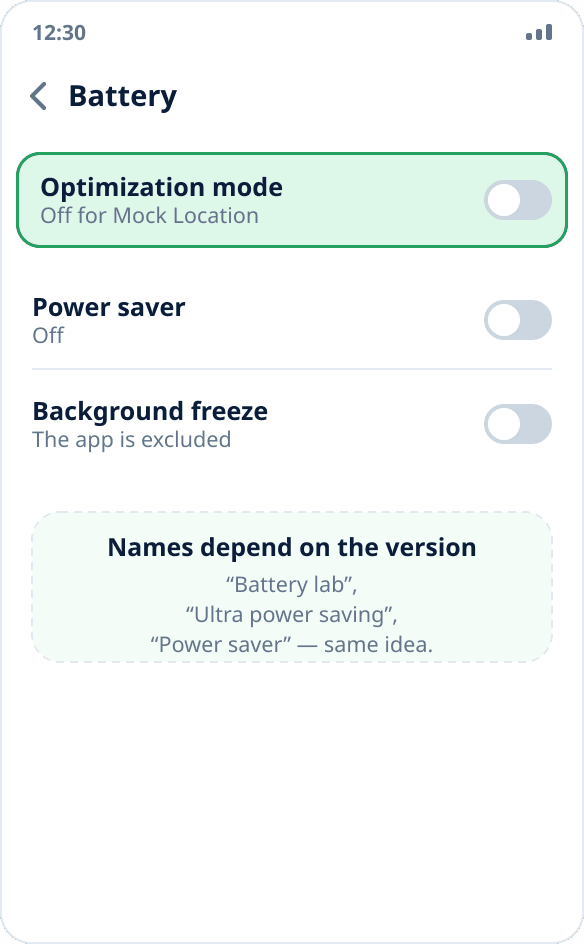
Settings → “Battery” → find Mock Location and turn off optimization and power saving. The names depend on the skin version: “Battery lab”, “Ultra power saving”, “Power saver” — the idea is the same everywhere: the app must not fall under the general power saving mode.
Grant the location permission and start spoofing
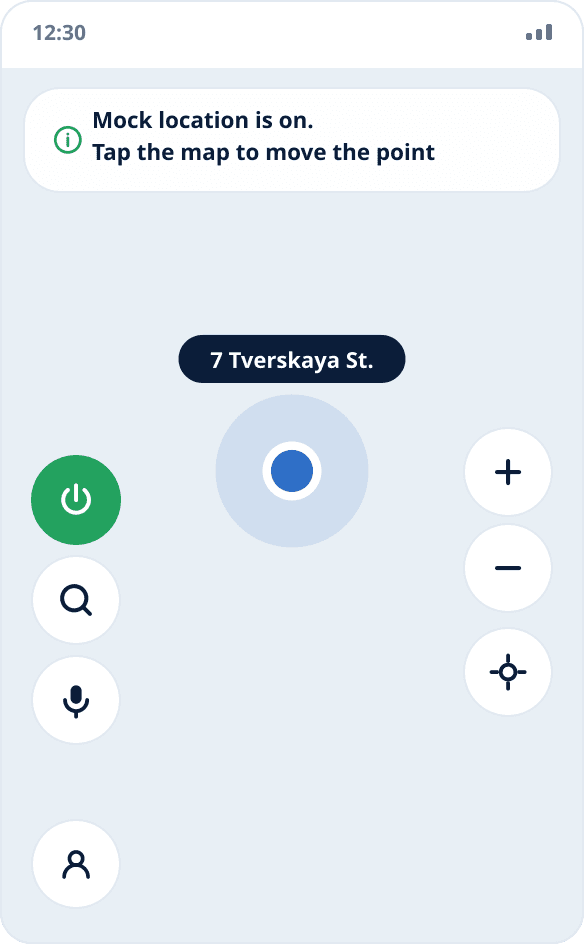
Open the app, allow location access (restoring after a reboot needs “Allow all the time”) and tap the point you need on the map — spoofing starts right away, there is no separate start button.
Check that spoofing holds
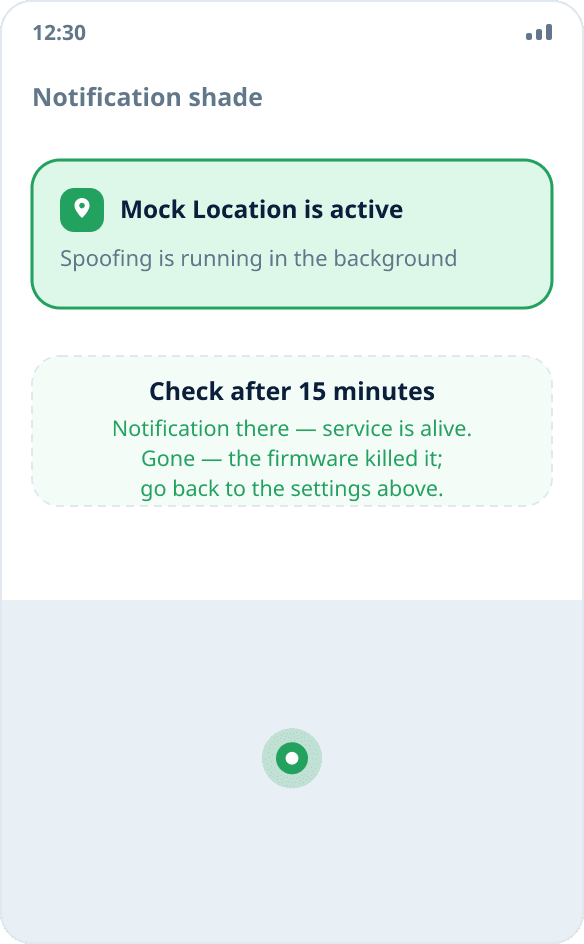
Lock the phone for fifteen minutes and look at the shade: if the notification is there, the service is alive. If it is gone, go back to steps 3 and 4 — on these skins it is almost always one of the two. The full check procedure is in a separate guide.
Why Phone Master matters more than settings
On most skins autostart is a switch on the app's page. On HiOS and XOS it was moved into a separate preinstalled utility, and someone looking for the familiar item in “Settings” simply does not find it — and without it the system closes the background service soon after the screen locks.
If Phone Master has been removed or disabled, on some firmware autostart management is duplicated in “Settings” → “Apps” → “Special access”, but it is more reliable to bring the utility back: it is a system app and updates along with the skin.
HiOS and XOS: what is the difference
Practically none. Tecno's skin is called HiOS, Infinix's is XOS; the icons and some item names differ, while the settings structure and the set of system utilities are the same. The guide above fits both, including itel devices — the third brand of the same group.
So do not waste time looking for “a guide specifically for Infinix Hot” or “for Tecno Spark”: differences between models within one skin come down to the order of items in the list.
If spoofing still drops
Check that the autostart switch was not reset after a skin update — on this firmware it happens more often than on others. The second place to look is “App freezing” or “App sleep mode”: some versions add the app there automatically if you have not used it for a couple of days.
The other causes do not depend on the manufacturer: why spoofing turns off in the background.